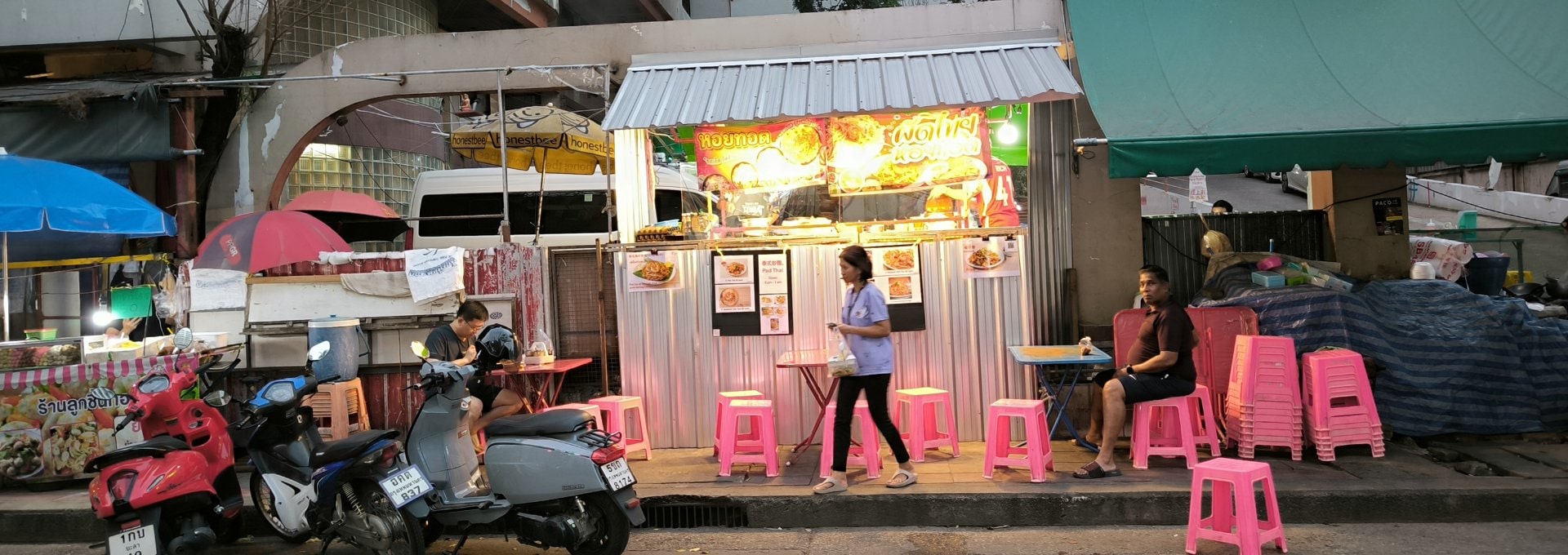

The Destination Thailand Visa (DTV) lets you stay in Thailand for a long time, but paying for everyday things can be a challenge. Thailand is going cashless, almost everything runs through a Thai bank app, and DTV holders can’t easily get one. This guide shows you how to pay your way in Thailand on a DTV.
We cover why banks turn DTV holders away, what to do if you already have a Thai bank account, and which apps and cards you can use instead. You’ll also find what other DTV holders found when they tried them.
Disclaimer: Some links in this article go to our partners, and we may earn a commission if you use them. It costs you nothing extra, and we only recommend services we'd use ourselves. Read more in our Advertising Disclosure.
Contents
Key Takeaways
- You can’t open a Thai bank account on a DTV. Thai banks ask foreigners for a work permit or a long-stay visa, and the DTV doesn’t give you either.
- Plan to live without one. Use a TrueMoney wallet for small QR payments, plus a card from home and cash. Wise QR is only for customers with a Thai address.
- Even an account you already have can be frozen after a switch to the DTV, so don’t keep all your money in it.
- Other apps, such as TAGTHAi Easy Pay, also take QR payments without a Thai bank account.
- Spending 180 days or more in Thailand in a calendar year makes you a Thai tax resident, so keep track of your days.


Why You Can’t Open a Thai Bank Account on a DTV
You hand over your passport, the bank officer turns to your visa page, and the answer is no. On a DTV, that’s what to expect. Thai banks ask foreigners for a long-stay visa and proof of why you live here, usually a work permit, and the DTV gives you neither.
You can see it in the banks’ own document lists. SCB’s FAQ says a foreigner opening a savings account needs a passport and a work permit. LH Bank’s list has rows for business owners, employees, Thailand Elite members and retirees, and there’s no row for the DTV.
In November 2025, one reader shared an email from a large Thai bank saying it had stopped opening accounts for DTV holders in April 2025. The stories we found of DTV holders keeping a working account are about accounts opened earlier on another visa, not new ones.
So we wouldn’t spend your first week going from branch to branch. Set up the alternatives below instead, and be realistic about them. They help with small everyday payments, but neither replaces a Thai bank account.
What a Thai account would give you is mostly easy local payments and somewhere to receive baht. Your card and bank account back home will have to cover the bigger things, like rent and savings. Our guide to the easiest place to open a Thai bank account is worth reading if you later switch to a visa that comes with a work permit, and our DTV guide covers the visa itself.
Already Have a Thai Bank Account?
If you opened an account on an earlier visa, expect trouble after the switch. In the expat forums, a common report is that the card stopped working or the app locked after the holder switched to a DTV. That’s community experience, not a published rule. Still, we’d rather find out before rent is due, so ask your bank in writing what your daily limit is and which document raises it.
An account you already have isn’t completely safe either. Some banks freeze accounts and ask to see a long-term visa before they’ll unlock them, and a DTV may not be enough. In mid-2025, several readers in a DTV Facebook group said their accounts were frozen after the switch, and some were closed even after they sent the bank a pile of documents. One reader in November 2025 spent about two hours at a branch and got the card working again, but the app stayed locked. The teller said it couldn’t be unlocked until the reader changed visa.
Not everyone hits this. Other readers say their accounts carried on as normal after the switch, and one got a frozen account unlocked by showing the new visa and passport stamps. We wouldn’t bet on being one of them, so keep some of your money outside that account.
If your account does lock, call the bank straight away. Then go to the branch with your passport, your current visa and proof of address.
Paying by QR Code Without a Thai Bank Account
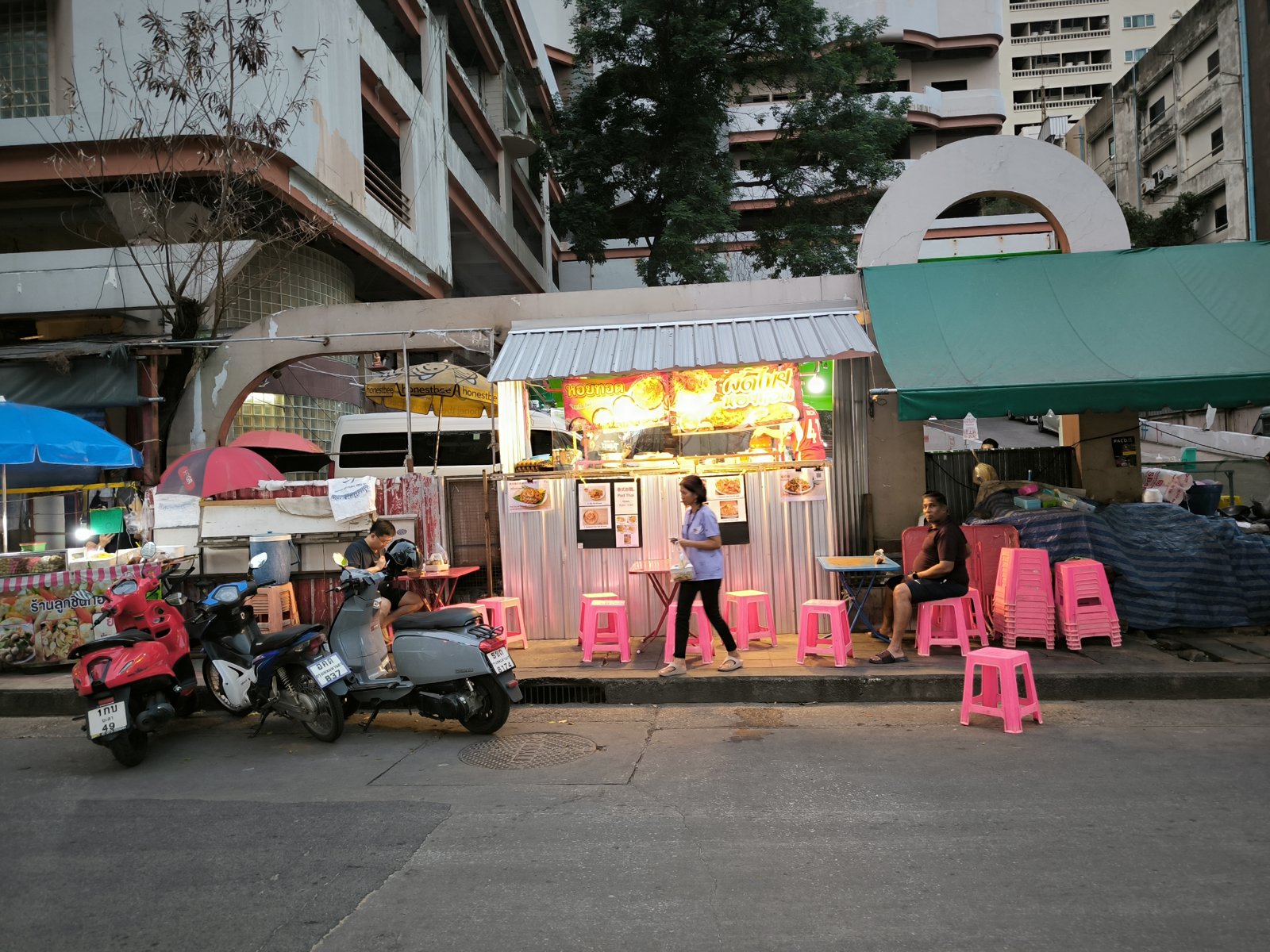
You’ll see QR stands on market stalls and coffee counters, because lots of shops and stalls in Thailand take payment by QR code. PromptPay, the system behind those codes, normally runs through a Thai bank app. Without one, your options are limited. TrueMoney works with just a passport, but with tight limits, and Wise only helps if you have a Thai address.
| Option | What you need | Main limits |
|---|---|---|
| Wise | Wise’s identity check (it accepts the DTV) and a Thai registered address | THB30,000 a day, THB10,000 per baht payment; QR scanning rolling out March to December 2026 |
| TrueMoney wallet | Your passport and a Thai mobile number | Wallet holds up to THB30,000; shop payments and transfers share a THB30,000 daily limit; no transfers to a bank |
Wise
If you already use Wise at home, it’s tempting to think it solves everything here. For QR payments, it mostly doesn’t. Wise’s QR scanning only works for customers whose registered address is in Thailand, and it’s still being rolled out to them between March and December 2026. If your Wise account sits on an address back home, don’t count on scanning QR codes with it.
Even with a Thai address, the limits are low. You can spend up to THB30,000 a day, and no single payment can go over THB10,000, though Wise says the daily limit rises as you use the account more. That’s fine for meals, taxis and groceries, but we wouldn’t try to pay rent through it. Wise does accept the DTV when it checks your identity, so getting verified isn’t the problem.
Once the account has a Thai address, the Wise card won’t take cash out of Thai ATMs, though it still works abroad. And if clients pay you in dollars or euros through your Wise account details, Wise converts that money to baht automatically, with fees. Money you add from your own foreign bank account isn’t converted. If you invoice clients in a foreign currency, we’d think twice before switching your Wise address to Thailand.
TrueMoney
TrueMoney is the Thai e-wallet we’d set up in your first week, because it only needs your passport, a face scan and a Thai mobile number. Just go in knowing it’s a small-change wallet, not a bank account.
Signing up takes a few minutes in the app:
- Download the TrueMoney app and tap Register / Sign In.
- Enter your Thai mobile number and the 6-digit code sent by SMS.
- Scan your passport in the app.
- Scan your face.
- Fill in your details.
- Wait for the confirmation by SMS, which TrueMoney says can take up to 8 hours.
Once you’re in, the limits are what you’ll notice. The wallet can only hold THB30,000 at a time. Shop payments, transfers to other wallets and international payments share a daily limit of THB30,000. You can’t send money from the wallet to a bank account, and wallet-to-wallet transfers are capped at THB5,000 a month. International payments, such as buying from an overseas website, are capped at THB1,000 a month.
A higher level needs a supporting document. TrueMoney’s list asks for things like a passport with a non-immigrant visa or a work permit, and it doesn’t say whether a DTV counts. So we’d plan on the passport-only level.
In November 2025, two readers said TrueMoney verified them with a photo of their DTV, one after a few tries, while another kept being refused. That’s readers’ experience. TrueMoney’s own list doesn’t name the DTV.

Several readers grumble about topping up. Without a Thai bank account, you top up with cash. Readers in late 2025 said 7-Eleven and Lotus’s stores take THB3,000 at a time, while a True shop or TrueMoney kiosk takes about THB20,000 in one go.
Tip: Carry some cash. A QR payment can fail when an app needs an update or you hit a limit.
Other Options
Wise and TrueMoney aren’t the only ways to pay. TAGTHAi Easy Pay is the one readers actually use. TouristDigiPay is a crypto-linked pilot for short-stay visitors, so a DTV holder can’t count on it, and our PromptPay guide steers clear of DeepPocket. If you’re from China, Malaysia, Singapore, Japan, Korea or a few other countries, your own banking or e-wallet app may scan Thai QR codes directly. Our PromptPay and QR payments guide compares them.
Before you pick one, check which QR codes it can pay. Market stalls and small shops often display a personal QR code, which readers say you can spot by the “xxx” in the number printed under it. In a November 2025 test of the main apps, one reader found one app only paid business QR codes, which leaves out a lot of street food. Readers using TAGTHAi in a DTV Facebook group in August 2025 had the same complaint. Their top-up stories were mixed. Some said you can only load it with foreign cash at a currency-exchange booth, one topped up with baht at a kiosk in a Lotus’s, and another gave up on scanning and paid with the card instead.
Paying Rent
Rent is where living without a Thai account gets awkward, because some landlords only take a bank transfer. In a DTV Facebook group in July 2025, readers said they pay with a Wise transfer straight to the landlord’s Thai account, an international transfer from their home bank, or cash. One said a Wise transfer once took two weeks to arrive, so we’d send rent early and ask the landlord before you sign how they want to be paid.
If your Wise account has a Thai address, payments from your Wise balance count toward the THB30,000 daily limit. So for rent above that, we’d either send it as a Wise transfer straight from your home bank, which Wise says doesn’t count toward that limit, or use an international transfer or cash.
What About Tax?
Tax is a big enough topic for its own guide, so we’ll keep this short. The DTV itself doesn’t make you pay Thai tax. What matters is how long you’re here. If you spend 180 days or more in Thailand in one calendar year, you’re a Thai tax resident for that year, so we’d keep a list of every entry and exit date in your phone.
If you work remotely or bring money into Thailand, read our guide to foreign-earned income tax. If you end up needing to file, our tax ID guide explains how to get the number you’ll need.
If you plan to stay for years, compare the DTV with the 10-year option in our DTV vs LTR visa guide.
Frequently Asked Questions
Can I open a Thai bank account on a DTV?
No. Thai banks want a work permit or a long-stay visa. Plan on a TrueMoney wallet for small payments, plus your card from home and some cash.
Can I use PromptPay without a Thai bank account?
Yes. TrueMoney works with just your passport, and Wise will once its QR scanning reaches your account (rolling out March to December 2026 for customers with a Thai address).
Will my existing Thai bank account keep working on a DTV?
Maybe, but don’t bank on it. Some holders find their card or app locked after the switch, and some banks freeze accounts until you show a long-term visa.
Is a Wise card enough to live on?
Not on its own. It’s handy for spending, but QR payments need a Thai address and the daily limits are low, so we’d carry cash and a second card too.
Sources Cited
- Ministry of Foreign Affairs, Destination Thailand Visa: 180 days per stay, five-year validity.
- LH Bank, Account Opening and Required Documents for foreigners: documents by customer type, call center for other visa types, proof of address.
- SCB, Deposit FAQ: passport and work permit as a foreigner’s ID.
- Wise, Upcoming Changes to your Wise Account in Thailand: DTV accepted for verification, PromptPay QR, limits, ATMs, automatic conversion.
- TrueMoney Support, balance and transaction limits for foreigners: wallet sizes and limits.
- TrueMoney, supporting document examples: documents for the higher level.
- Revenue Department, How do foreigners living in Thailand pay tax?: the 180-day tax residence rule.